Curvata for Mac
Beautiful vectors.
Made on your Mac.
Turn logos, drawings, and images into clean, scalable SVGs. Curvata is a free image vectorizer for Mac, with every conversion happening right on your computer.
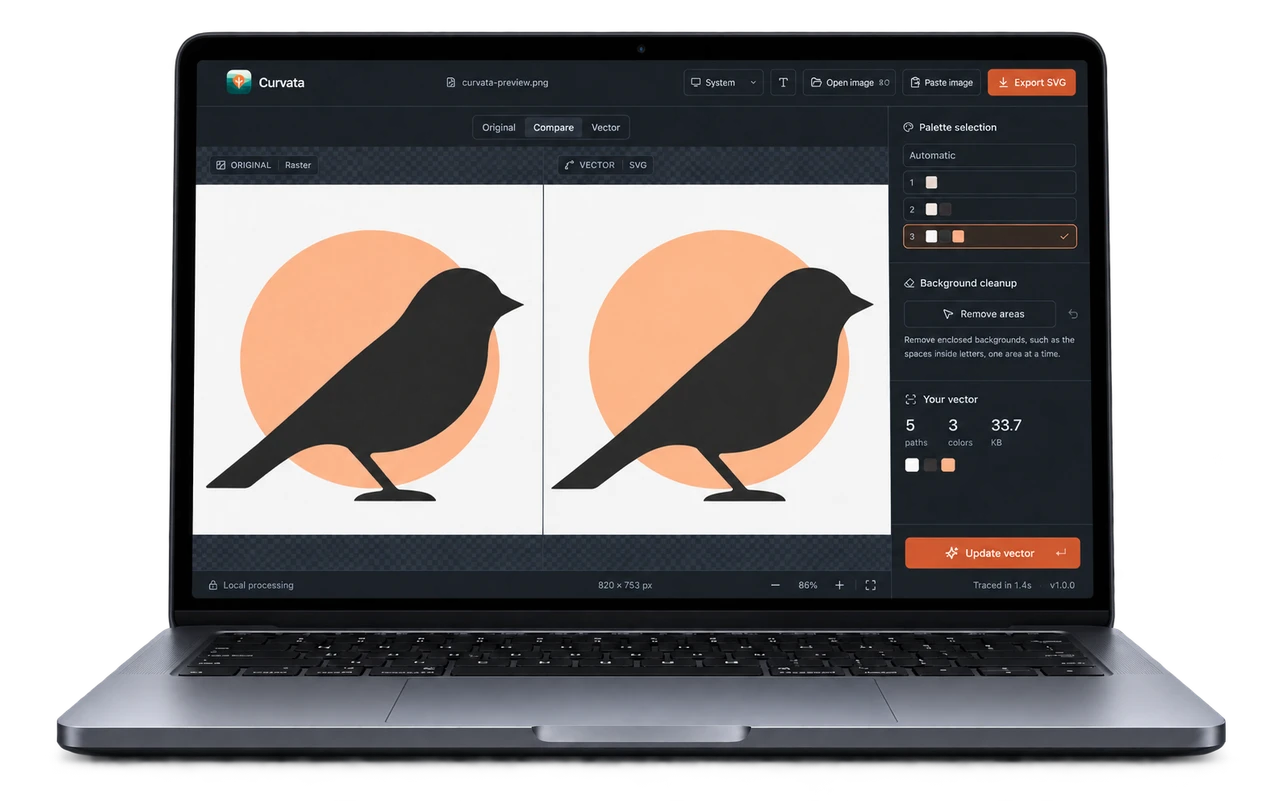
Made for Mac. Down to the details.
Open an image, paste a screenshot, or drop in your artwork. A focused workspace, familiar keyboard shortcuts, and light and dark mode make converting to SVG feel right at home.
PNG, JPG, WebP, TIFF, and GIF in. Editable SVG out.
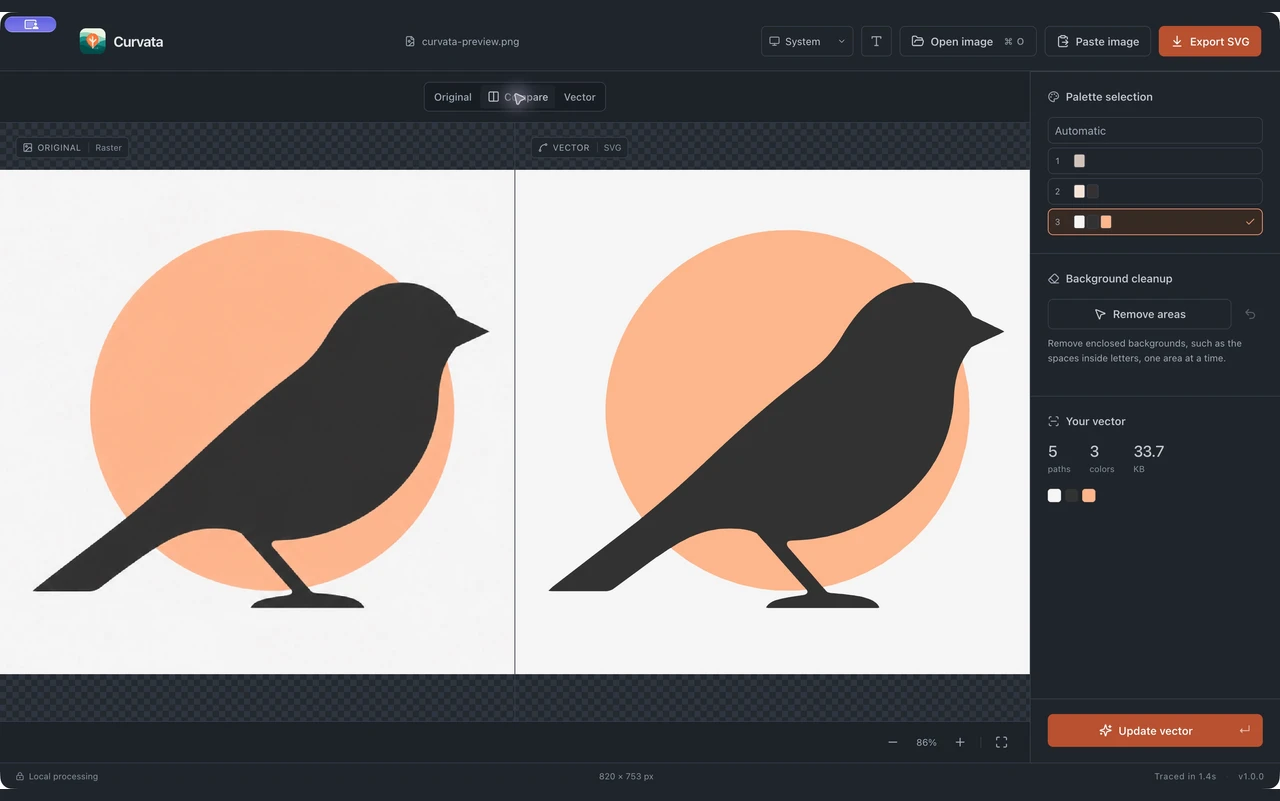
From pixels to possibilities.
Open your artwork and let Curvata trace it automatically. Turn a raster logo or illustration into vector shapes you can scale, recolor, and use in your next design.
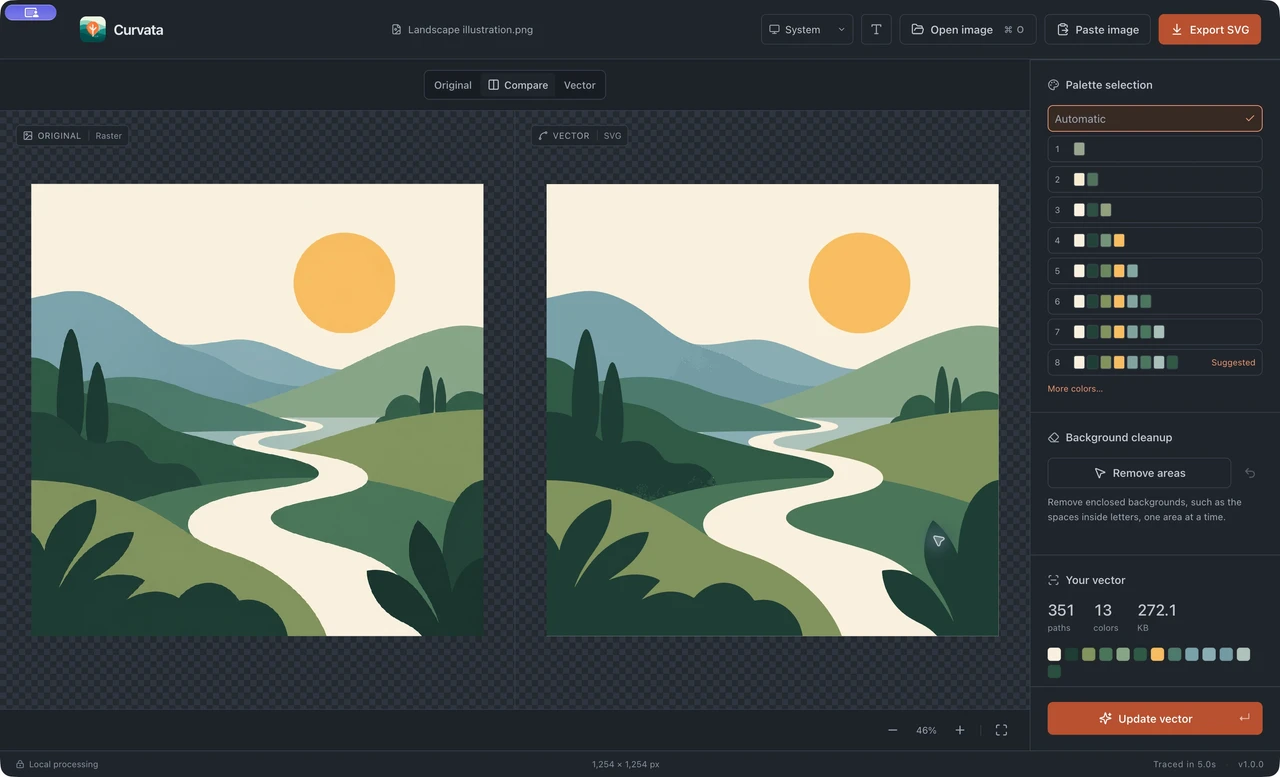
See every curve.
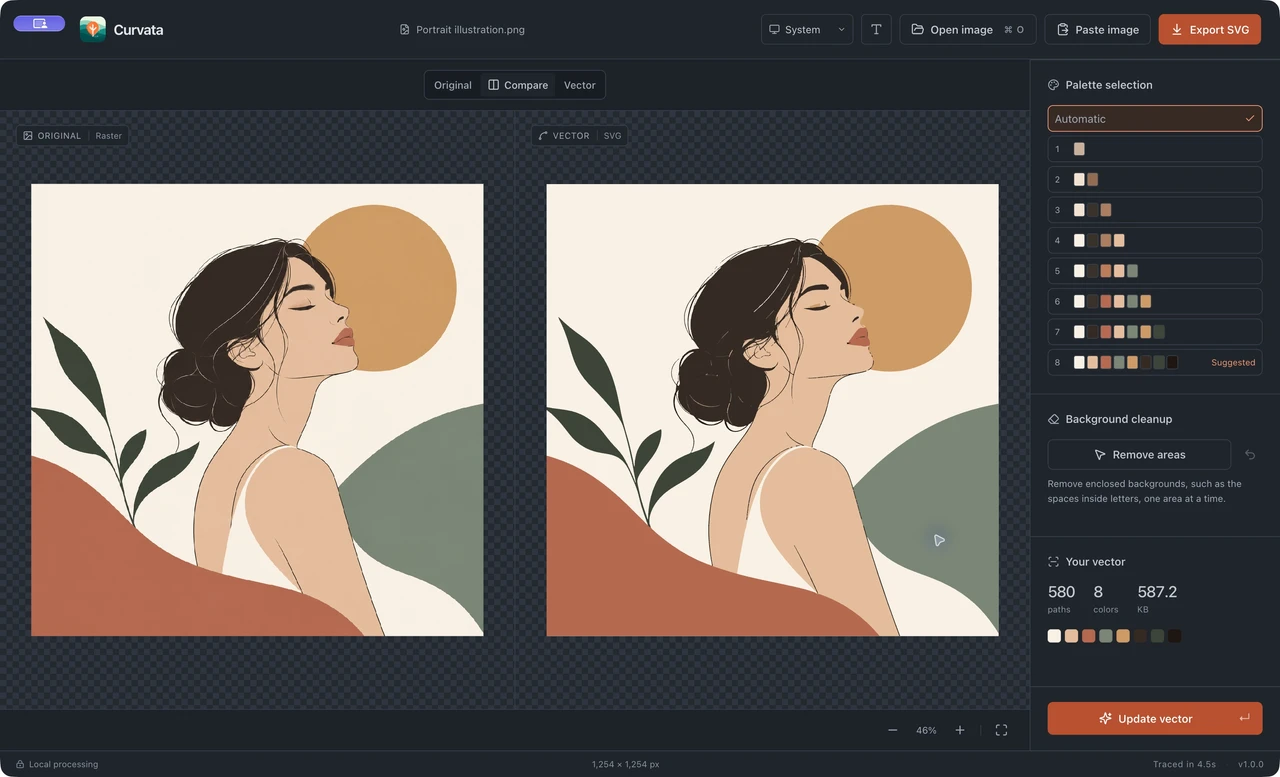
Compare the original and the vector side by side. Zoom into an edge, pan across the artwork, and check the small details before you export.
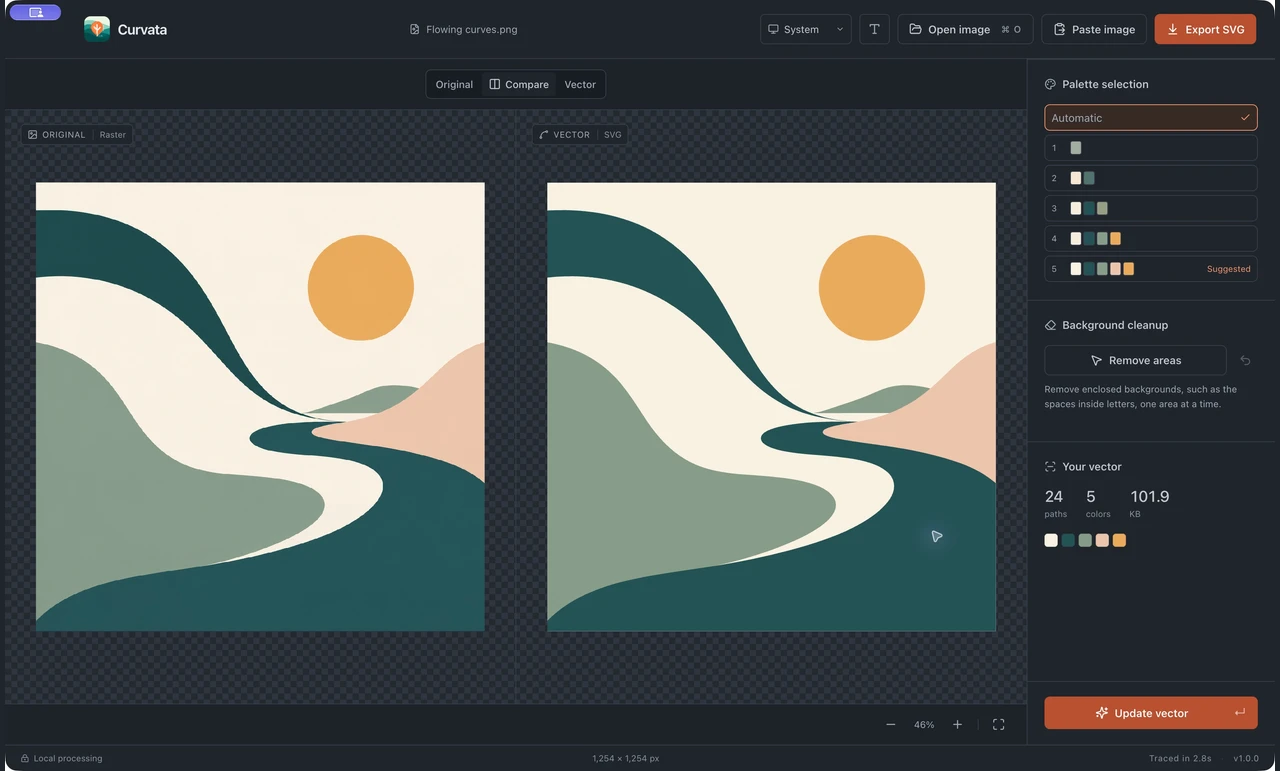
Find your colors.
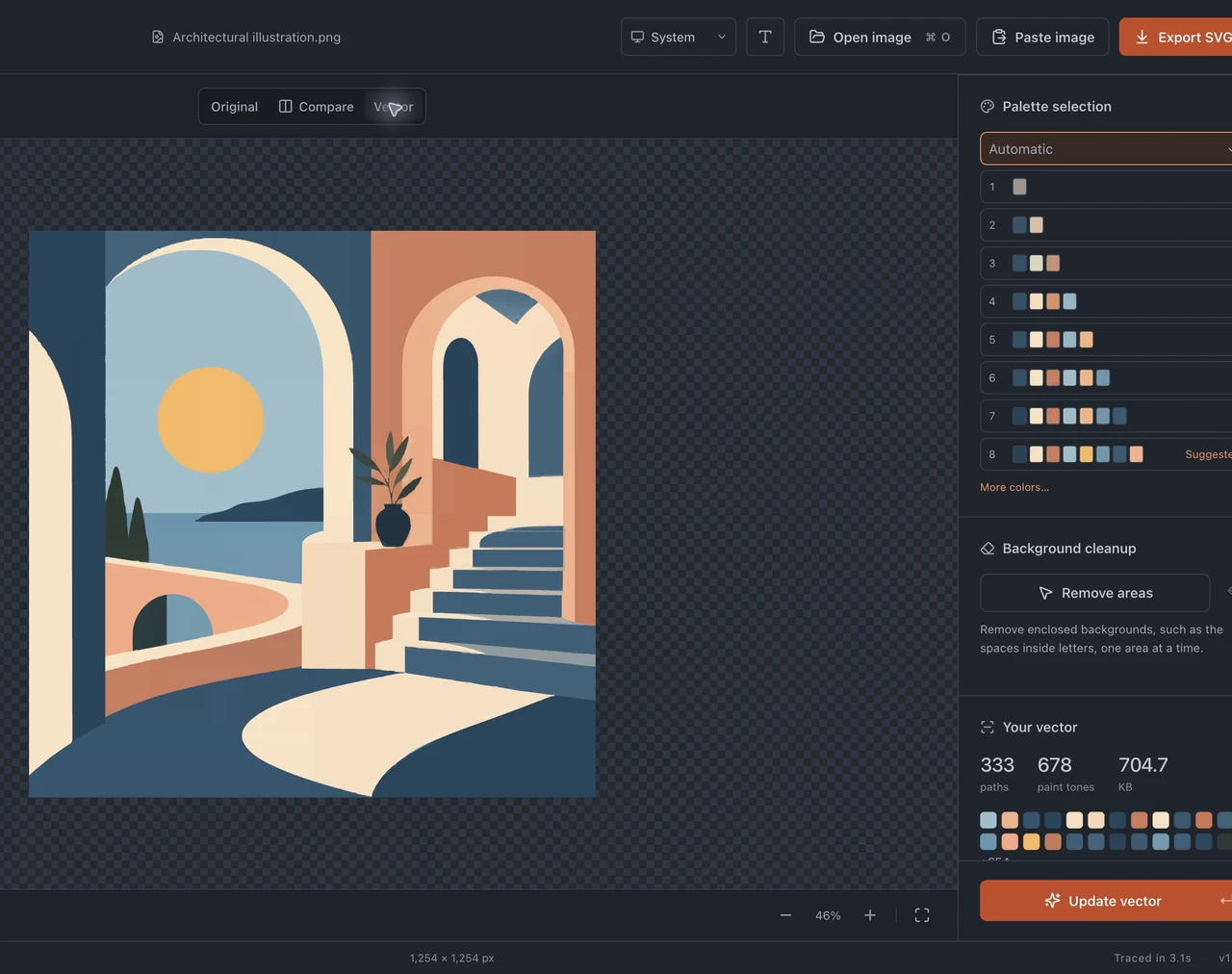
Keep the automatic palette or choose a simpler set of colors. Preview the available presets, update the vector, and find the balance that suits your artwork.
An SVG you can make your own.
Export real vector paths, with no embedded raster image. Open the SVG in your vector editor, ungroup the artwork, and take the next step with shapes you can edit.
Keep the shape.
Clear the space.
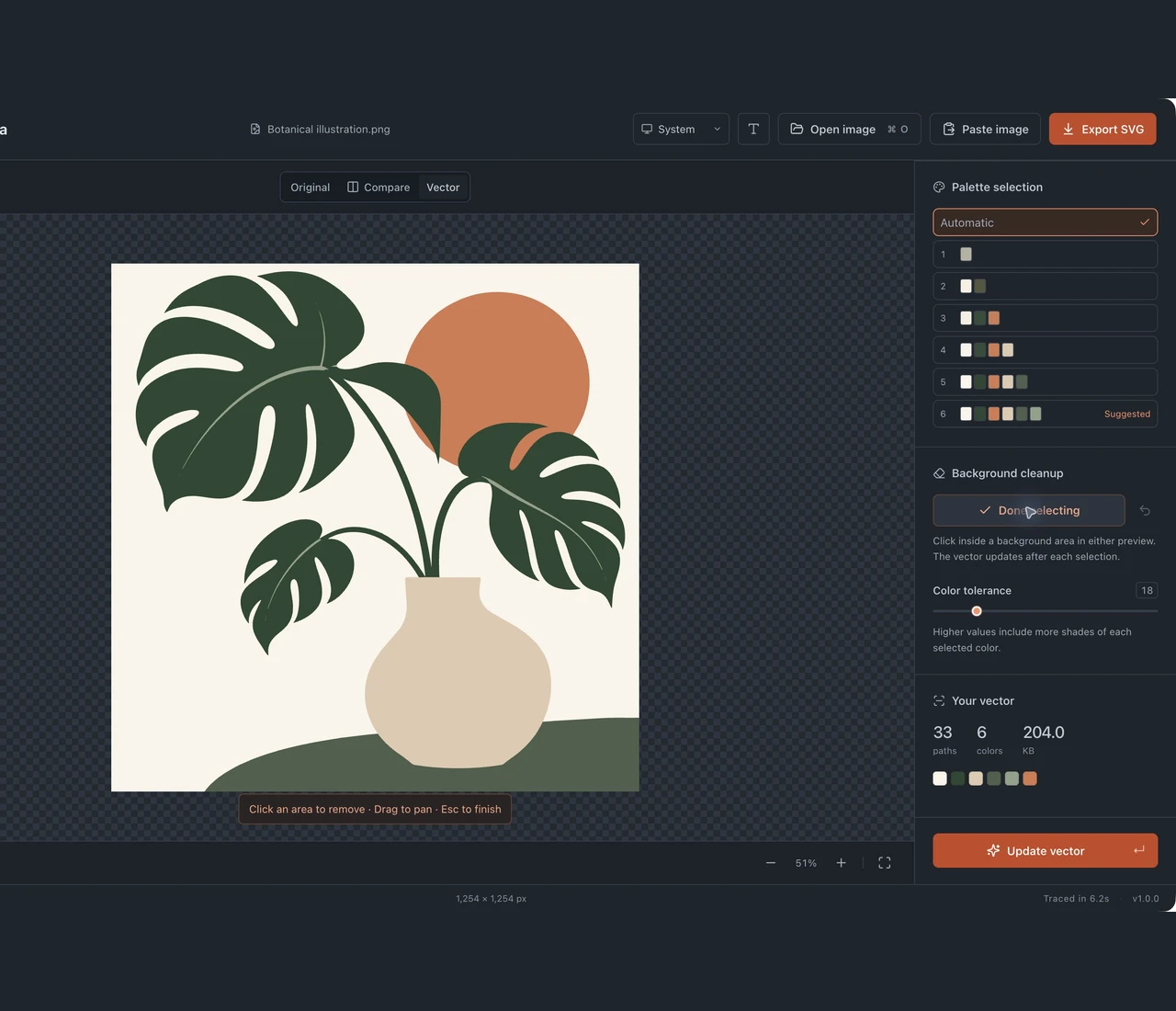
Remove unwanted background areas one at a time, including the spaces inside letters. Review transparent cutouts, undo a selection, and keep the details that belong.
Your images stay on your Mac.
Open, trace, and export images right on your computer. No uploads, no sign-up, and no internet connection needed to convert your artwork.

Support
Need help with Curvata? Email hello@curvata.app.
Include your macOS version, Curvata version, and a short description of the problem. You can also browse the guides or find an answer below.
Frequently Asked Questions
Does Curvata work offline?
Yes. Image tracing and SVG export happen locally on your Mac. You can convert artwork without an internet connection.
Do I need an account?
No. Open Curvata, choose an image, and start converting. There is no sign-up or image upload.
Is Curvata free?
Yes. Curvata is a free image vectorizer for Mac. Get it from the Mac App Store.
Which image formats can I convert?
Open PNG, JPG, JPEG, WebP, TIFF, and GIF files, or paste an image from your clipboard. Curvata exports SVG. For animated GIFs, only the first frame is traced.
Can I edit the exported vector?
Yes. The SVG contains vector paths rather than an embedded raster image. Open it in a vector editor and ungroup the artwork to edit individual shapes. Traced lettering becomes shapes, not editable font text.
Will every image trace perfectly?
Simple logos, icons, and drawings are good starting points. Tracing approximates pixels; small text, blur, complex photos, and subtle gradients can need cleanup. Compare the result before exporting.
Your next vector starts here.
Download Curvata and turn your next image into a vector you can use anywhere.
Download for free